

01 · RF CUES
Tune with purpose
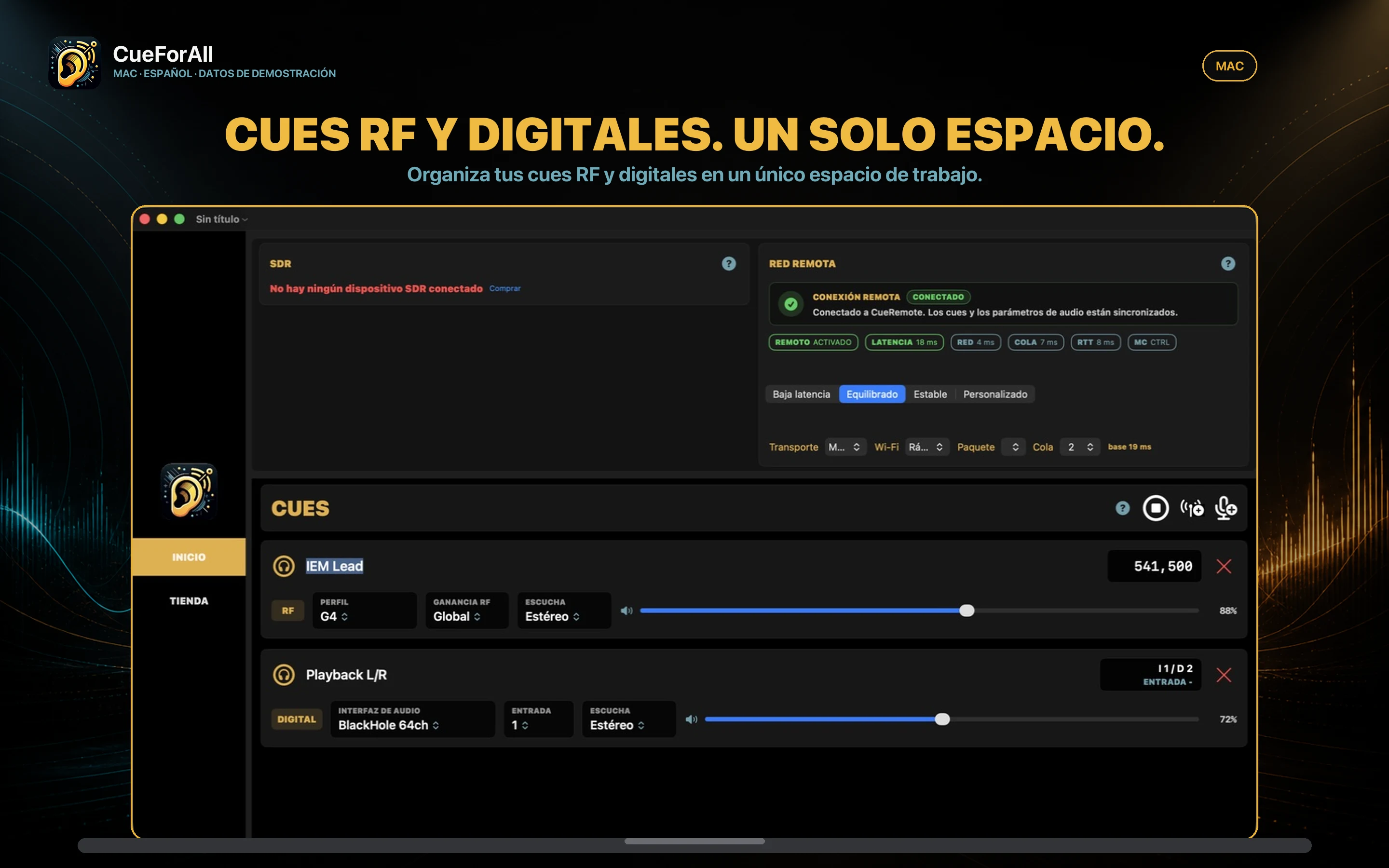
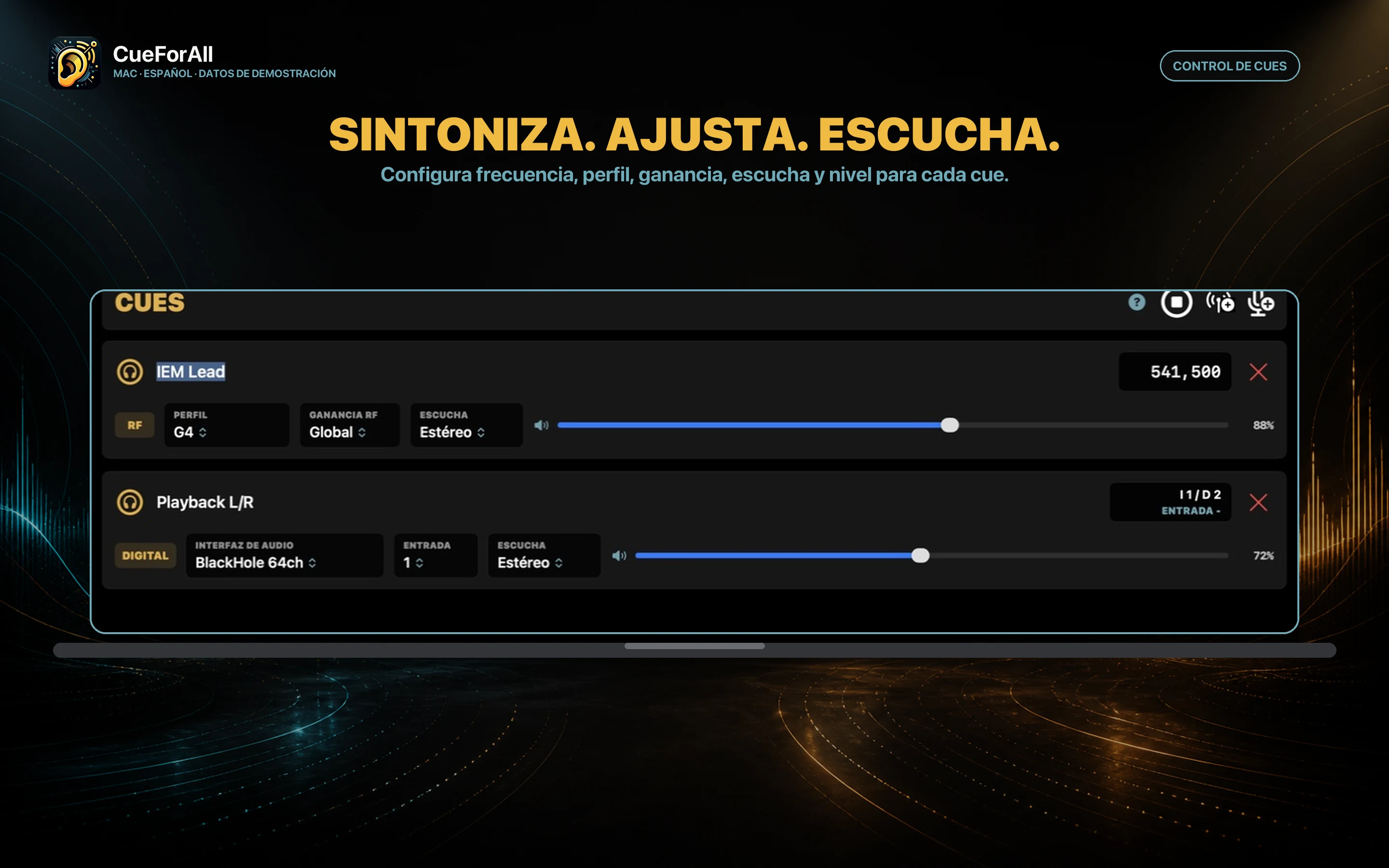
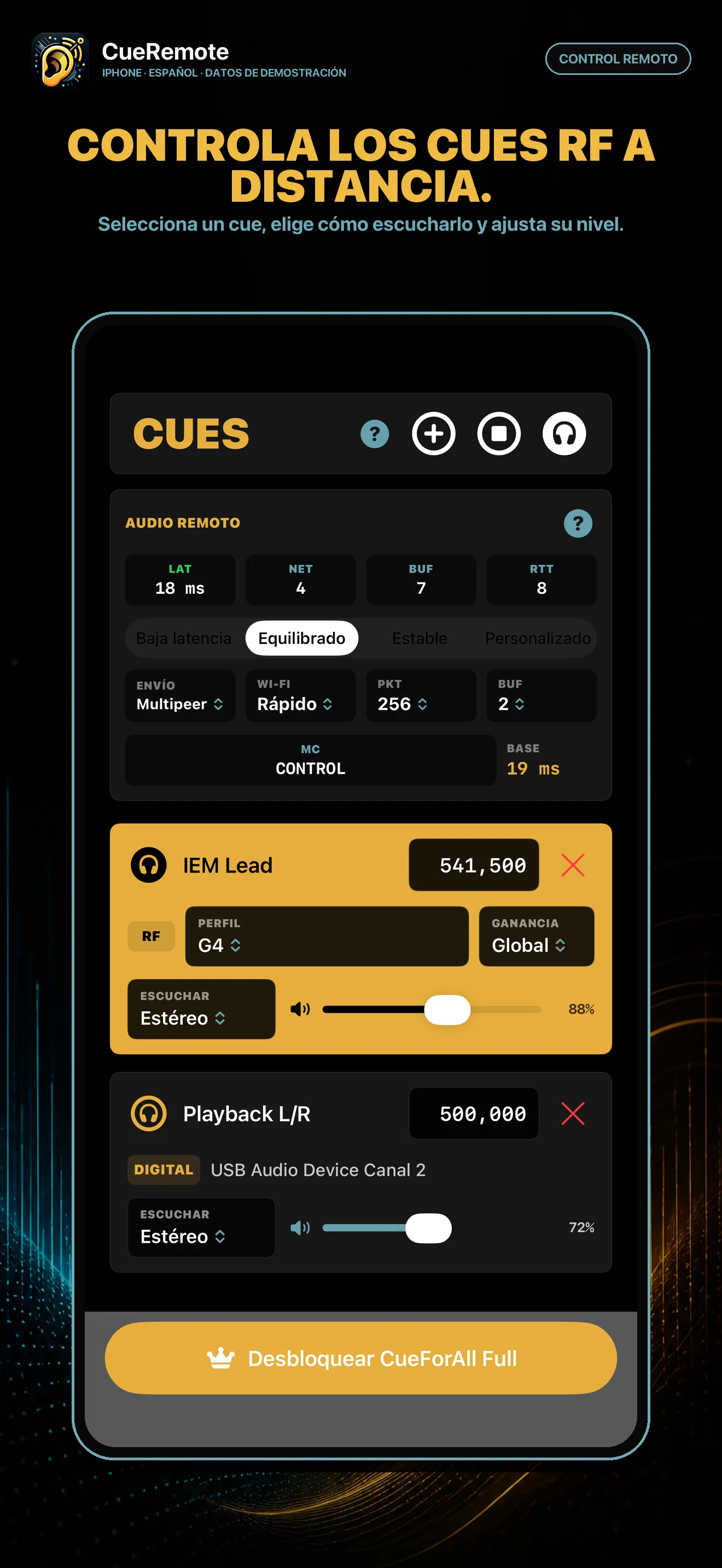
Connect a compatible RTL-SDR, create one cue per frequency, and adjust the profile, RF gain, monitoring, and volume.
RF + digital cue monitoring
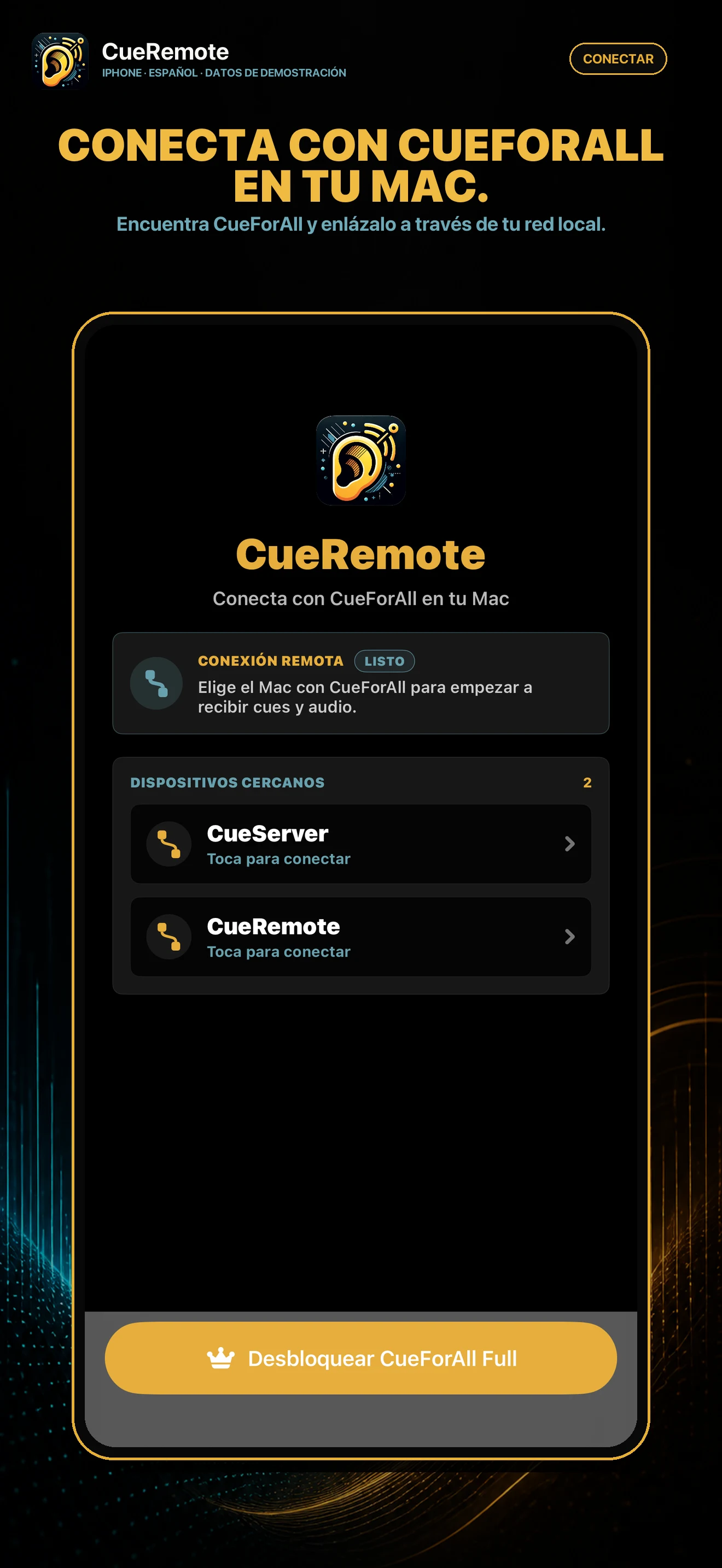
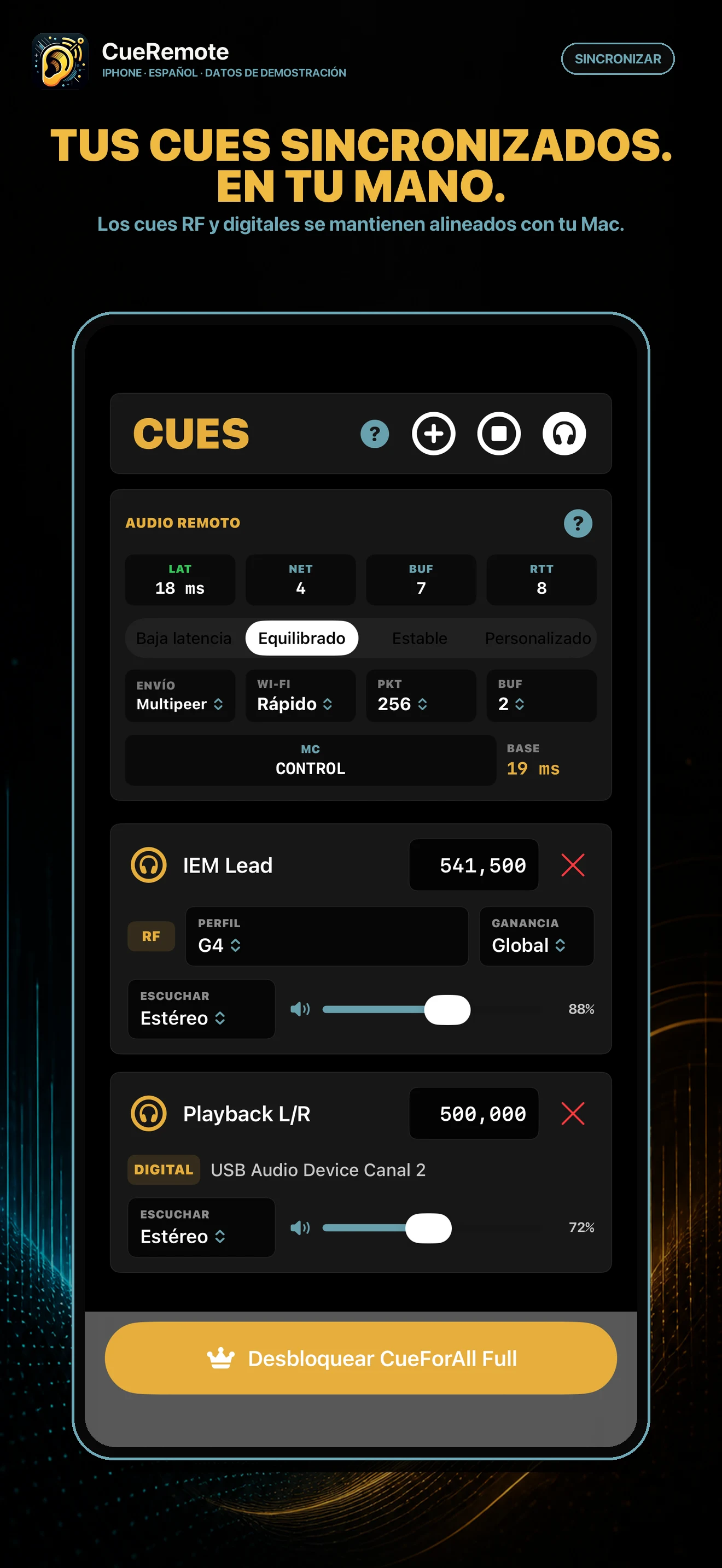
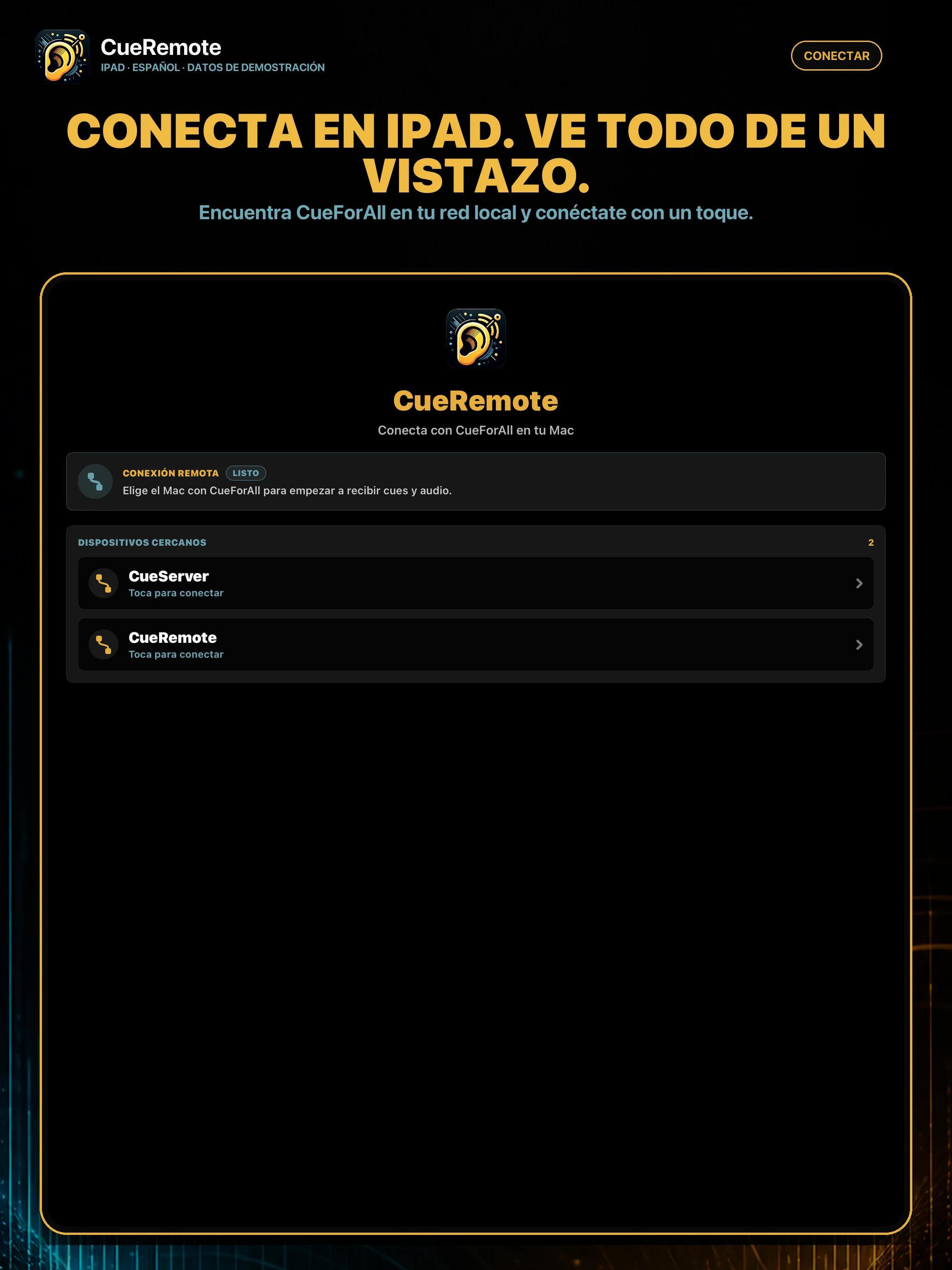
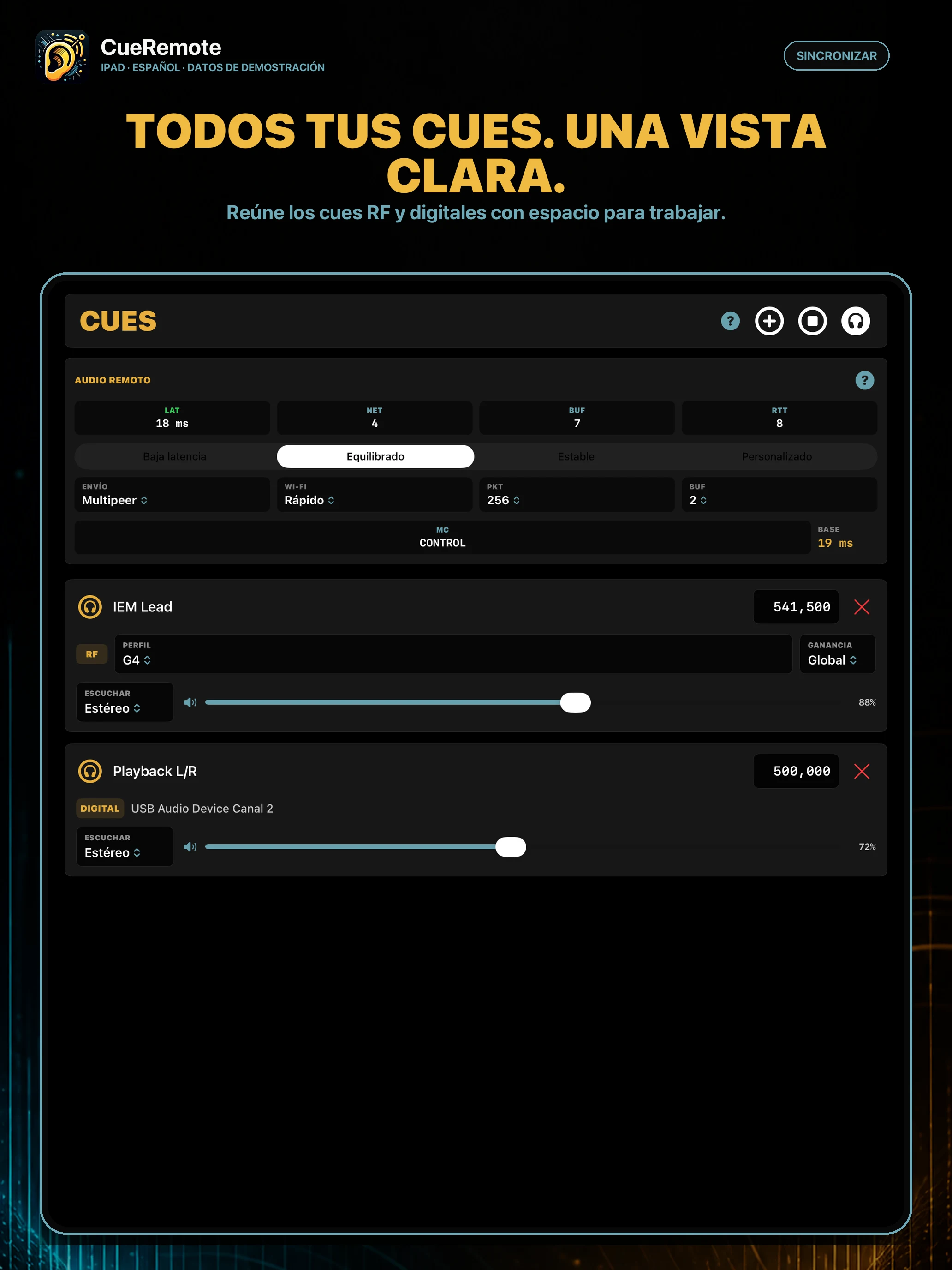
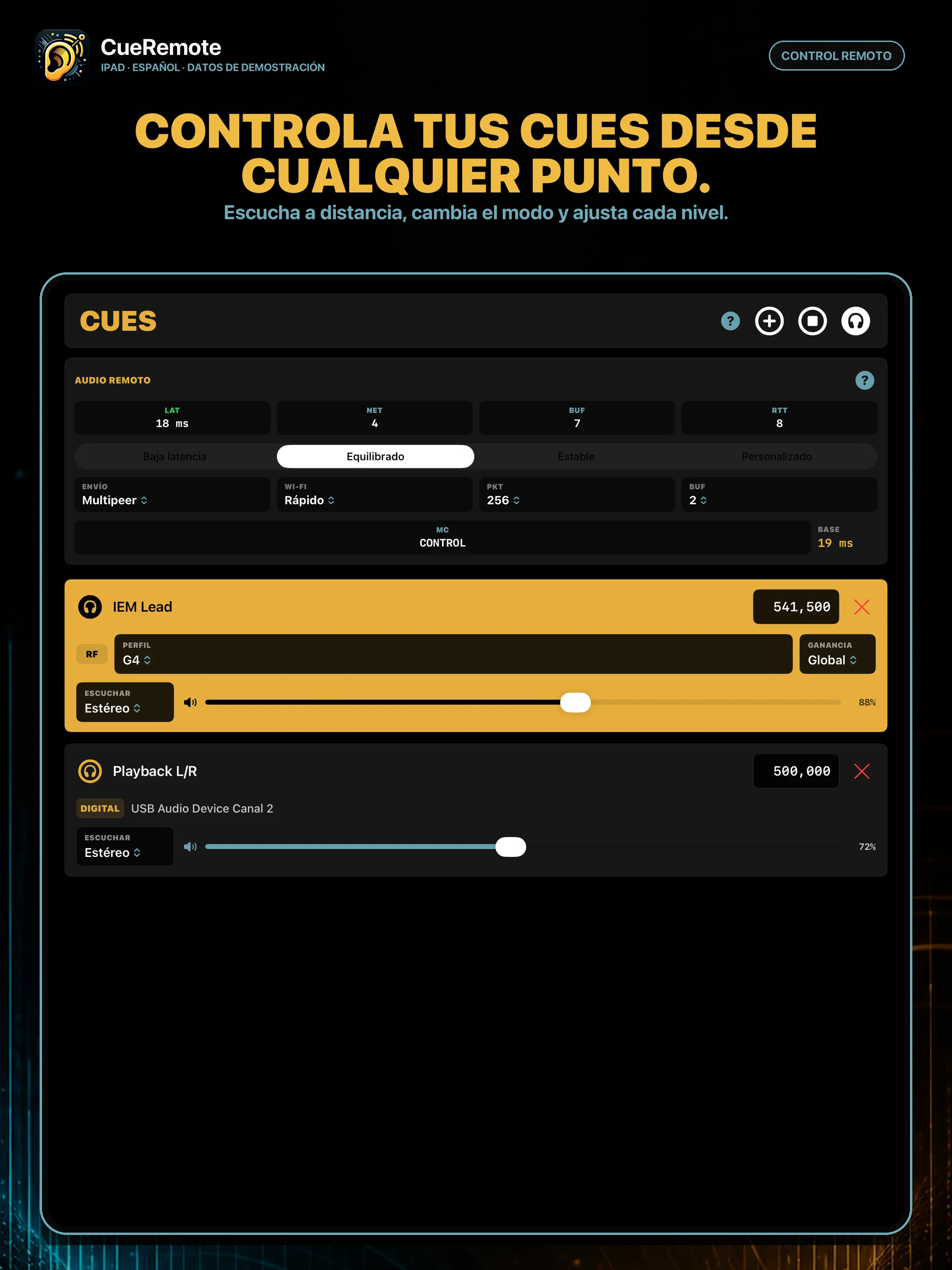
Bring RF in-ear cues and digital sources together on Mac. With CueRemote, take control and listening to your iPhone or iPad over the local network.
From Mac to stage
Fewer trips to the Mac, one list, and network information visible when it really matters.
01 · RF CUES
Connect a compatible RTL-SDR, create one cue per frequency, and adjust the profile, RF gain, monitoring, and volume.
02 · DIGITAL
Add sources from an audio interface and bring RF and wired signals together in one list.
03 · SIGNAL
Check RF level, pilot tone, clipping, and mute status to understand the cue before turning up the volume.
04 · REMOTE
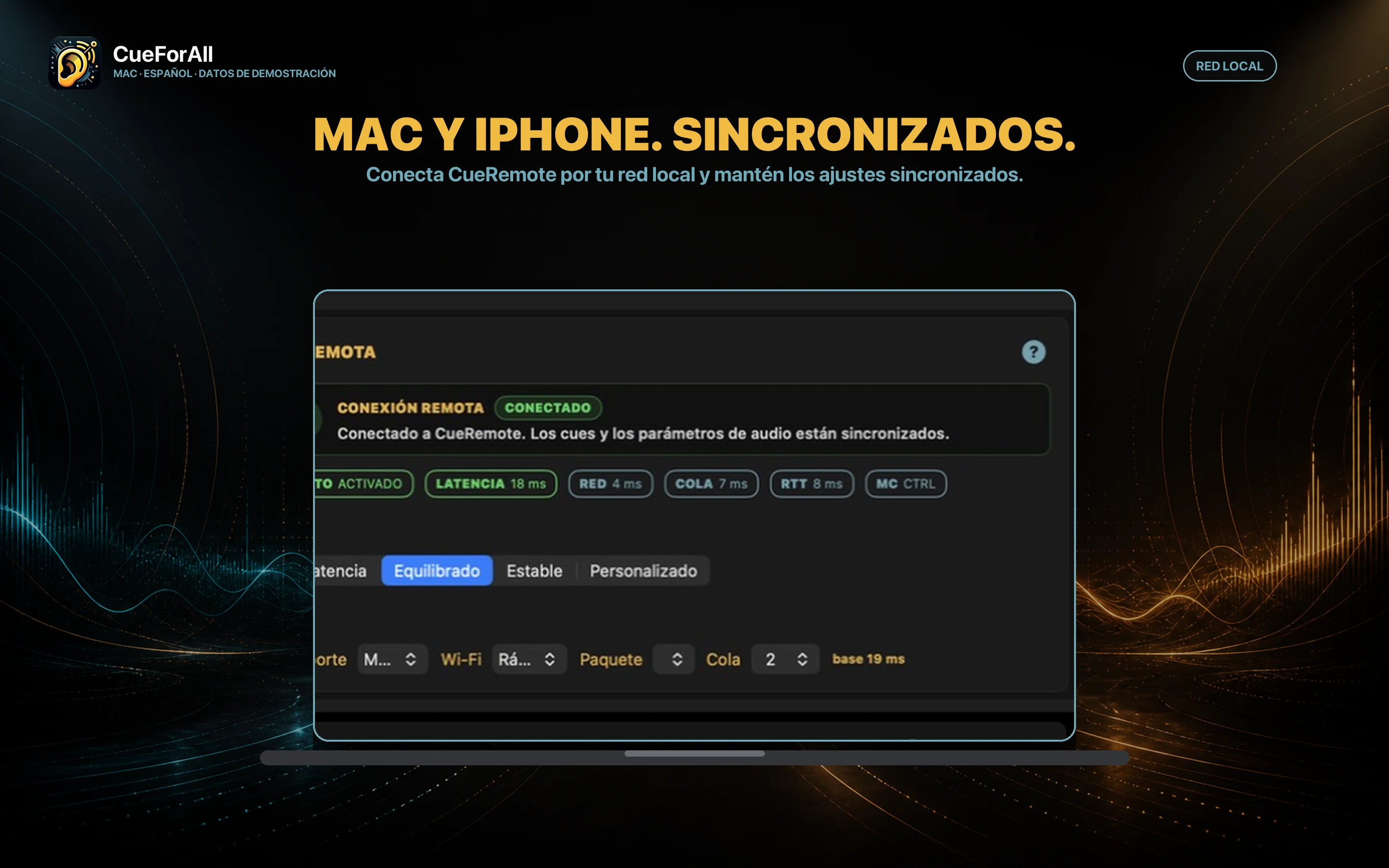
Connect iPhone or iPad over your local network to select cues, change settings, and control monitoring.
05 · LATENCY
Choose a streaming profile and check latency, buffer, network transit, and round-trip time.
06 · FULL
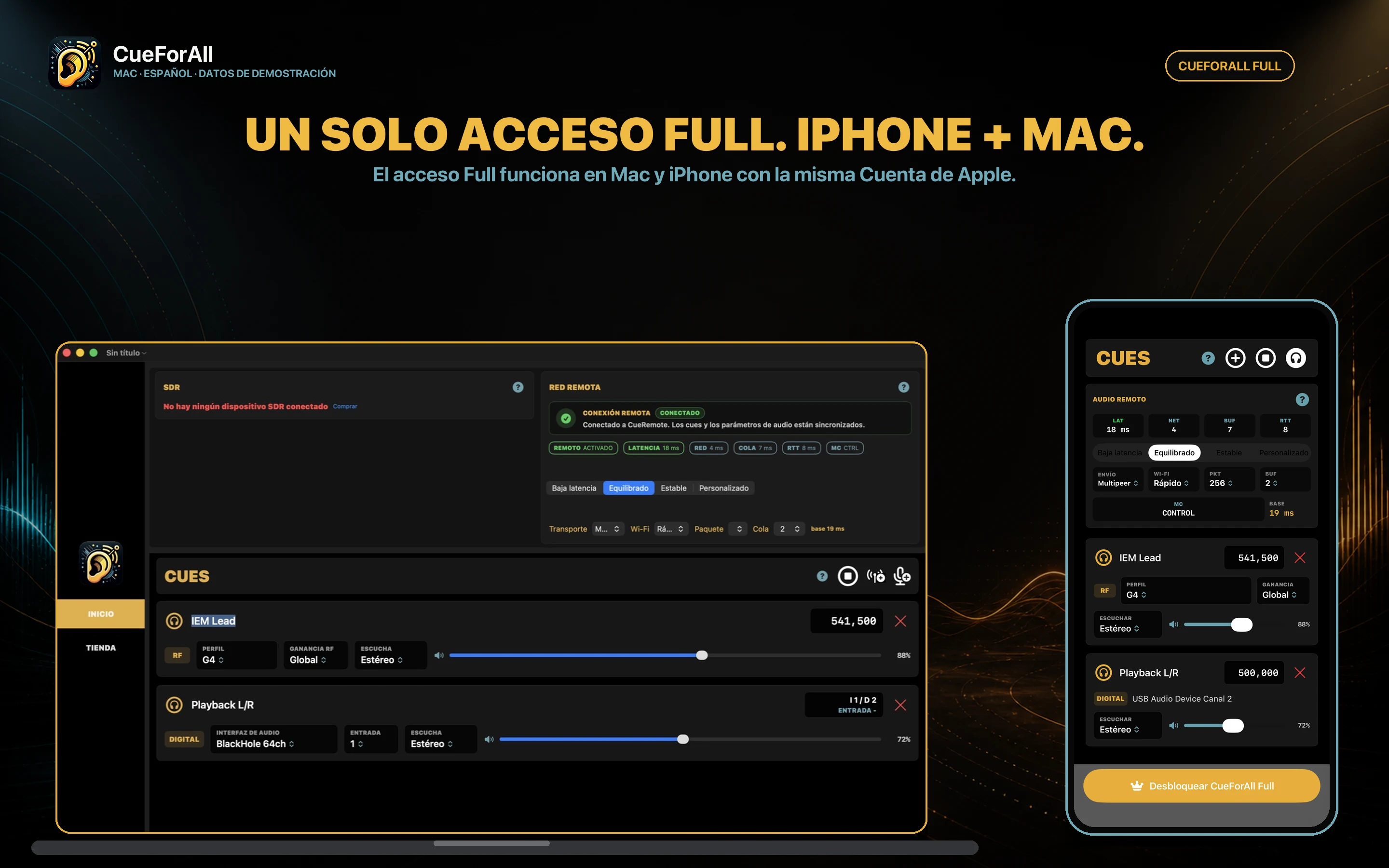
Start with one RF cue and one digital cue. Full removes the limit with the same Apple Account.
CueForAll for Mac
Actual app screenshots with demo data. RF hardware is sold separately.
CueRemote
Pair over the same local network. Cues and their settings stay in sync with the Mac.
Before you start
Find requirements, pairing, local network audio, CueForAll Full, and privacy information.